CYBER MONDAY: 10% off ALL FOUNTAINS. Use CYBER10 at checkout
407.1.Fluid-Geometry

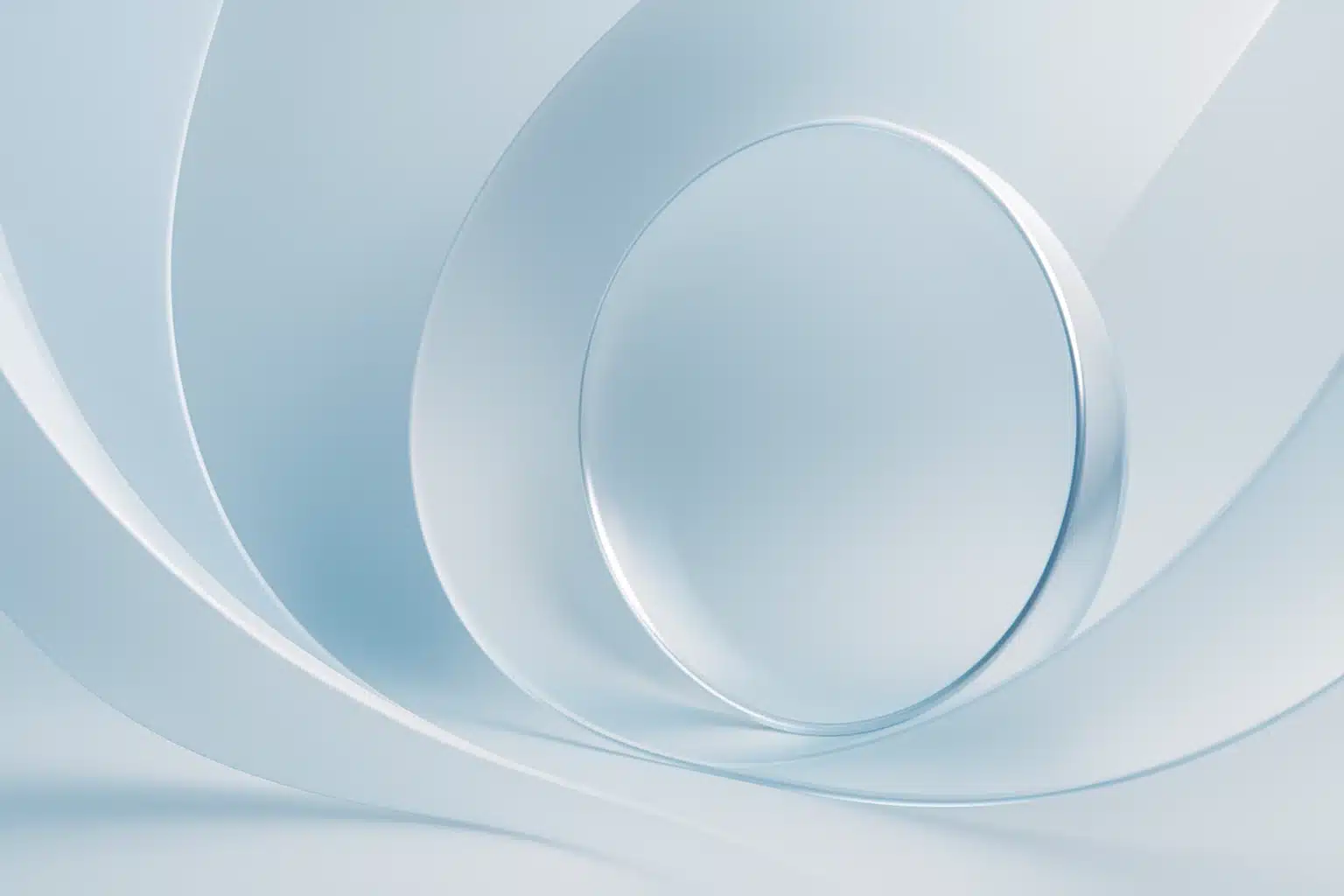
Fluid Geometry: Designing with Curves, Arcs, and Reflections in Mind

Design today is increasingly fluid. The world has shifted from rigid grids and sharp angles toward softer, more organic forms. Curves, arcs, and reflective geometries dominate everything from digital interfaces to architecture, product design, and branding systems. This shift isn’t just aesthetic, it’s psychological and functional, making interactions feel more natural, intuitive, and human-centered.

Fluid geometry blends art and mathematics, intuition and precision, visual balance and emotional resonance. Designers who understand the principles behind curves, arcs, and reflections not only create more engaging visuals but also build experiences that feel alive.

This article dives deep, over 2000 words, into the world of fluid geometry. We’ll explore the science and symbolism behind these shapes, how they impact perception, where they’re used, and how you can incorporate them thoughtfully into your design work.

1. Why Fluid Geometry Matters

Geometry has always been at the core of design, but the types of geometry in use have evolved dramatically. The clean grids of the Bauhaus movement or the strict proportionality of classical architecture served their eras well. But today’s digital world demands flexibility. Screens vary in size, layouts respond dynamically, brands must adapt across mediums, and user attention is more fickle than ever.

1.1 The Psychology of Softness

Curves evoke comfort, motion, and approachability. Humans instinctively associate rounded forms with safety, think of the lack of sharp edges in nature. Neurologists have even found that people show more positive emotional responses to curved shapes than angular ones.

Arcs convey flow and guidance, suggesting direction without force.
Reflections imply harmony, duality, and continuity.

Designs rooted in fluid geometry feel:

  • Organic, mimicking shapes found in nature
  • Gentle, reducing visual tension
  • Dynamic, suggesting energy and movement
  • Modern, aligning with contemporary aesthetics

In interfaces, curves guide the eye. In architecture, they soften monumental form. In branding, they symbolize adaptability. In product design, they make objects more ergonomic.

1.2 The Functional Side of Fluidity

This isn’t only about beauty.

Curves and arcs can:

  • Improve legibility
  • Enhance ergonomics (in both UI and physical design)
  • Create clearer visual hierarchy
  • Increase emotional connection
  • Make layouts more responsive-friendly

Fluid geometry naturally adapts to screens, containers, and environments, making it invaluable in a world where design must scale gracefully.

2. The Elements of Fluid Geometry

Fluid geometry includes three core elements: curves, arcs, and reflections. Each carries its own mathematical foundation and visual meaning.

2.1 Curves: The Foundation of Flow

Curves are the backbone of fluid design. They come in many forms, Bezier curves, splines, ovals, freehand sweeps, but they all share one attribute: smooth transitions between points.

2.1.1 Mathematical Curves vs. Organic Curves

Mathematical curves follow strict formulas, commonly used in vector design and CAD tooling.
Organic curves mimic natural forms and are often shaped through intuition rather than exact math.

Both have their place.

2.1.2 Why Curves Work

Curves:

  • Reduce cognitive strain by softening edges
  • Lead the viewer’s eye naturally
  • Create rhythm and continuity
  • Allow for expressive storytelling in visuals
  • Convey sophistication and elegance

Think of the iconic Nike swoosh, essentially a single expressive curve.

2.2 Arcs: The Geometry of Movement

Arcs are portions of circles or ellipses. Where curves are free-flowing, arcs are structured.

2.2.1 Properties of Arcs

  • They imply rotational movement
  • They add proportion and intentionality
  • They create tension between structure and flow

Architects love arcs because they marry engineering and visual grace. UI designers use arcs to shape containers, buttons, and motion paths.

2.2.2 Arcs as Connectors

Arcs guide transitions between points or states:

  • Navigation menus shifting into view
  • Motion design that rotates objects around a point
  • User flows that guide attention with subtle curves
  • Arcs visualize pathways, both literally and metaphorically.

2.3 Reflections: Balance Through Symmetry

Reflections introduce order to fluidity. A balanced reflection stabilizes a composition while maintaining softness.

2.3.1 Types of Reflection in Design

  • Mirror reflection — direct symmetry
  • Radial reflection — around a center point
  • Gradient/luminance reflection — used in product visualization
  • Conceptual reflection — dual meanings or mirrored storytelling

Reflection creates calm. It signals harmony and equality.

2.3.2 Reflections in Branding

Many logos rely on axial symmetry:

  • Target
  • Mastercard
  • Adobe Creative Cloud

Symmetry communicates trust and reliability, making it ideal for corporate identity.

3. Applications of Fluid Geometry in Modern Design

Fluid geometry is everywhere once you know what to look for. It’s become a signature of modern design culture.

3.1 UI & UX Design

Interfaces today lean heavily on curves and arcs:

3.1.1 Rounded Corners

Rounded corners:

  • Feel more approachable
  • Reduce visual fragmentation
  • Enhance readability
  • Scale better on high-PPI displays

It’s no accident that nearly all operating systems have adopted rounded UI elements.

3.1.2 Motion Paths

Curved motion animations feel:

  • More natural
  • More intuitive
  • Less mechanical
  • Humans rarely move in straight lines, design shouldn’t either.

3.1.3 Curved Layout Containers

Arc-based sections, ovals, and soft clipping masks make interfaces look more premium and contemporary.

3.2 Graphic & Branding Design

Fluid geometry strengthens brand identity.

3.2.1 Dynamic Logo Systems

Fluid logos adapt across environments, bending and stretching without losing identity.

3.2.2 Soft Grids

Grid systems that allow curve intersections create more expressive layouts.

3.2.3 Illustration & Iconography

Curves convey friendliness and clarity.
Look at Airbnb’s “Bélo”, its entire form is a fusion of arcs and reflections.

3.3 Motion & Interaction Design

Motion thrives on geometry.

3.3.1 Ease Curves (Cubic Beziers)

Ease-in, ease-out, and custom curves determine the feel of animations.

3.3.2 Arc-Based Transitions

Arcs create realistic momentum. Objects rarely travel in rigid lines—good animations reflect this.

3.4 Industrial & Product Design

Physical geometry is deeply tied to ergonomics.

3.4.1 Human-Centered Curvature

Products shaped to human touch, smartphones, handles, wearables, use arcs to fit the body.

3.4.2 Reflective Surfaces

Reflections communicate premium quality in consumer electronics.

Apple, Dyson, and automotive brands rely heavily on reflective geometry to convey craftsmanship.

3.5 Architecture

Buildings shaped with fluid geometry feel futuristic and human.

3.5.1 Structural Arcs

Arches distribute weight efficiently and create iconic silhouettes.

3.5.2 Parametric Curves

Digital tools have enabled architects to create sweeping, flowing forms previously impossible.

3.5.3 Reflective Surfaces in Space

Buildings like The Cloud Gate (“The Bean”) leverage reflections to create interaction between viewer and environment.

Fluid Geometry

4. Principles for Designing with Curves, Arcs, and Reflections

Using fluid geometry effectively requires intention. Here are foundational principles.

4.1 Start with Purpose, Not Decoration

Curves should serve:

  • Function
  • Emotion
  • Narrative
  • Typography integration
  • Spatial logic
  • Avoid “curve for the sake of curve.”

4.2 Use Curves to Guide the Eye

Composition relies on implied direction.

Curves can:

  • Lead focus to key information
  • Create subtle framing
  • Build flow
  • Encourage scrolling
  • A skillful designer uses curved geometry as visual storytelling.

4.3 Balance Curves with Rigid Geometry

Too many curves can weaken hierarchy.
Pair fluid shapes with:

  • Minimalist grids
  • Straight lines
  • Vertical anchors
  • Geometric contrast

This creates tension and sophistication.

4.4 Consider Scale Carefully

  • A curve that works on mobile may look abrupt on desktop.
  • Always test geometry across contexts.

4.5 Use Reflective Symmetry Sparingly

Reflection is powerful but potentially rigid.

Use it where stability is needed, such as:

  • Logos
  • Hero images
  • Layout anchors
  • For dynamic layouts, consider asymmetrical balance instead.

4.6 Think in Three Dimensions

Even in flat design, curves imply three-dimensional behavior.
Reflect on:

  • Light
  • Shadow
  • Depth
  • Perspective
  • Subtle gradients or shadows can enhance curvature.

4.7 Let Shapes Interact

Curves should overlap, hide, reveal, and blend into one another.
This creates layered, immersive compositions.

5. Techniques and Tools for Fluid Geometry

How do designers create these forms practically? Let’s explore key tools and workflows.

5.1 Vector Tools (Illustrator, Figma, Affinity Designer)

These tools offer controls like:

  • Bézier handles
  • Arc generators
  • Shape builder tools
  • Node smoothing
  • Curve interpolation

Figma’s “corner smoothing” feature is especially powerful for organic design.

5.2 3D Modeling Tools (Blender, Rhino, Fusion 360)

Arcs and curves become fully realized in 3D.

3D tools allow:

  • NURBS modeling
  • Subdivision surfaces
  • Reflective rendering
  • Soft-body manipulation
  • Perfect for product and architectural visualization.

5.3 Motion Design Tools (After Effects, Principle)

These tools bring curves to life:

  • Motion paths
  • Graph editors
  • Bézier timing curves
  • Eased arcs
  • Motion designers rely heavily on arc-based trajectories.

5.4 Web Code Tools (CSS, SVG, Canvas)

CSS and SVG allow fluid geometry with:

  • border-radius
  • clip-path
  • SVG path curves
  • mask-image
  • conic gradients
  • Modern browsers render complex curves with ease.

6. Examples of Fluid Geometry Done Right

Let’s look at a few iconic examples.

6.1 Apple Industrial Design

Rounded corners, reflective surfaces, and seamless curves define Apple’s design language. These choices convey elegance and ergonomic ease.

6.2 Google Material Design

Material You uses:

  • Large pill-shaped buttons
  • Curved card layouts
  • Soft motion paths
  • All grounded in fluid geometry.

6.3 Zaha Hadid Architecture

Often described as “frozen motion,” her buildings embody dynamic curvature.

6.4 Airbnb Brand System

The Bélo and accompanying fluid shapes establish global friendliness.

6.5 Modern Car Design

Automotive bodies use curves and reflections to imply speed and luxury.

7. Future Trends: Where Fluid Geometry Is Headed

As AI design tools, AR/VR, and dynamic environments evolve, fluid geometry will only become more dominant.

7.1 Responsive Geometry

Shapes will adapt to context, expanding, curving, and morphing automatically.

7.2 Intelligent Motion Systems

AI will create motion paths based on human behavior, using sophisticated curve logic.

7.3 Holographic & Spatial Interfaces

In 3D-dimensional interfaces, rigid geometry feels unnatural, curves will rule.

7.4 Organic Branding

Brands will embrace shape-shifting identities, built on fluid geometry.

7.5 Generative Design

  • Algorithms will generate optimal curved forms for everything from architecture to icons.
  • Fluid geometry is not a trend, it’s the future language of design.

Conclusion: Designing for a Fluid World

Curves, arcs, and reflections unlock a more human, expressive, and adaptive approach to design. They allow designers to communicate emotion, guide attention, and build systems that feel both futuristic and natural.

Whether you work in UI, branding, architecture, motion, or product design, fluid geometry offers a toolkit of visual power, one that aligns perfectly with where technology and culture are heading.

Design with intention. Design with flow.
Design with fluid geometry.

FAQs:

Fluid geometry refers to the use of curves, arcs, and reflective forms to create organic, dynamic, and visually harmonious compositions across digital and physical design disciplines.

Curves improve readability, increase emotional comfort, guide the user’s eye, and create interfaces that feel smoother and more intuitive.

Use straight lines, grids, and alignment anchors to counterbalance curved elements. This creates visual tension and prevents compositions from becoming overly soft or chaotic.